Glass materials
Choose a material, shape the rim and save your look.
Pick a look
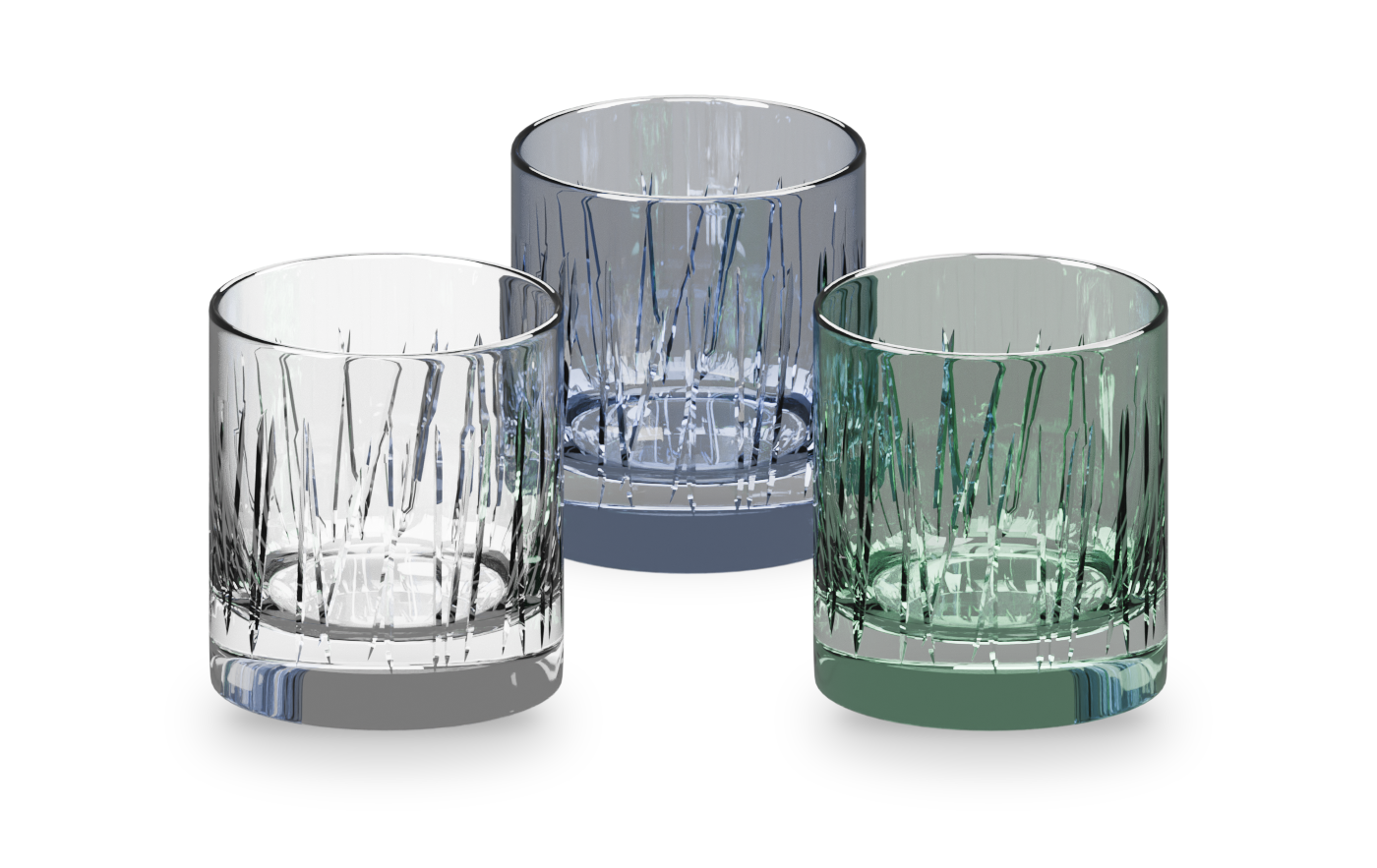
Section titled “Pick a look”On Glass, click a look: Clear, Frosted, Smoke, Emerald, Sapphire or Ruby.
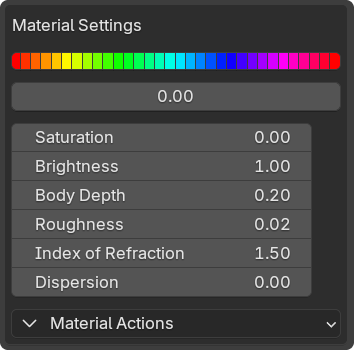
To fine-tune it, open Show Custom Material Presets.
- Body Depth: color through the glass’s thickness.
- Roughness: frost the surface and blur what is behind.
- Index of Refraction: how strongly light bends. Real glass is about 1.5.
- Dispersion: rainbow fringes for close-ups. Slower to render.
- Normal Strength: baked detail on Game Ready meshes.
Shape the rim
Section titled “Shape the rim”Rolled Rim adds a rounded lip. Raise its width for a thicker bead, or set it to 0 for a cut edge.
Share a material
Section titled “Share a material”Material Actions › Link Materials gives the selected glasses one material, so one edit changes them all. Unlink Materials splits them again.
Save a look
Section titled “Save a look”Click Save as new Preset, rename the row, then use its check mark to apply it. Saved looks survive updates. More in Presets and backup.