Glass materials
Choose a material, shape the rim and save your look.
Pick a look
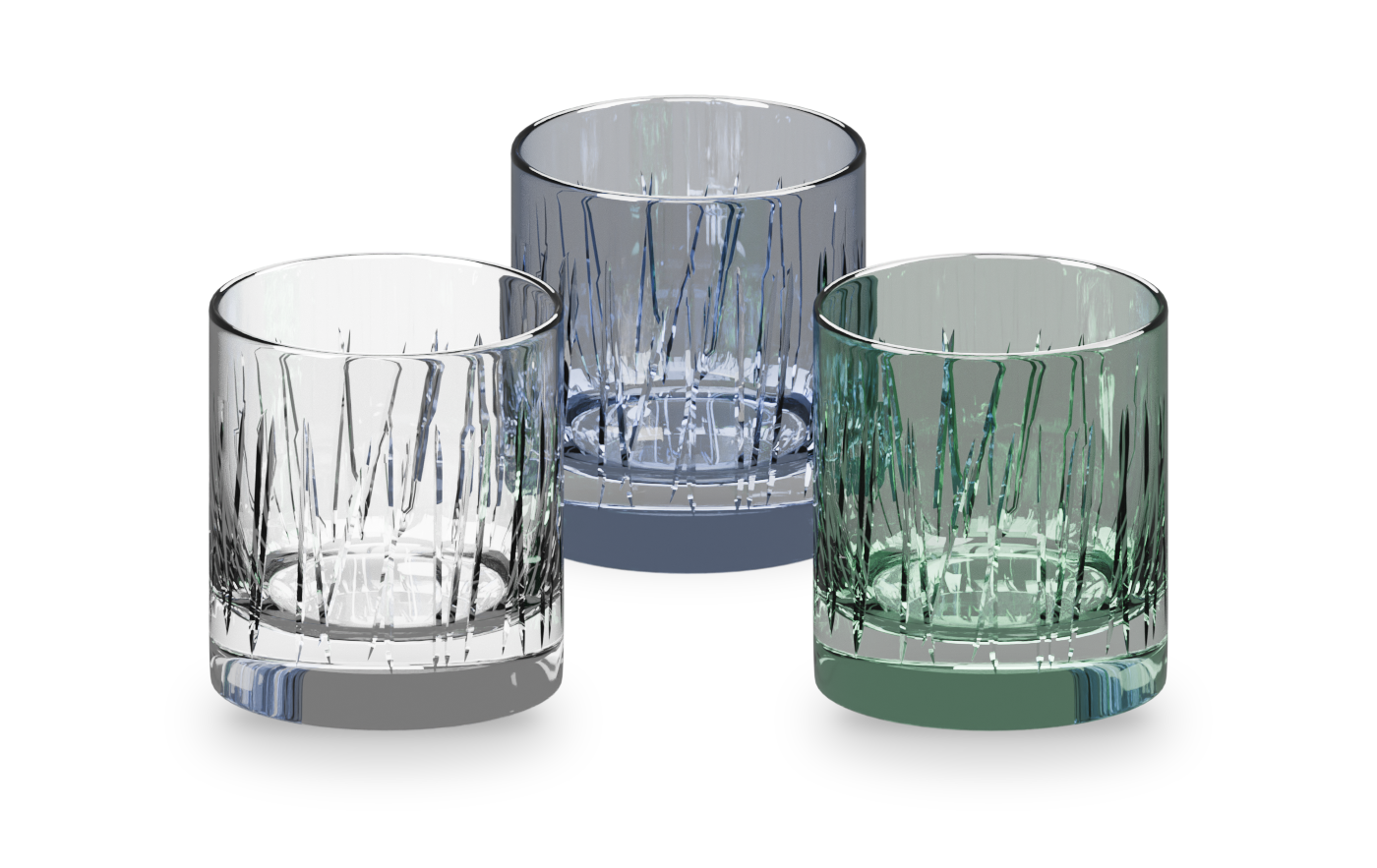
Section titled “Pick a look”On Glass, click a look: Clear, Frosted, Smoke, Emerald, Sapphire or Ruby.
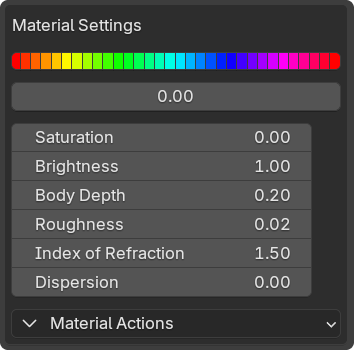
To fine-tune it, open Show Custom Material Presets.
- Body Depth: color through the glass’s thickness.
- Roughness: frost the surface and blur what is behind.
- Index of Refraction: how strongly light bends. Real glass is about 1.5.
- Dispersion: rainbow fringes for close-ups. Slower to render.
- Normal Strength: baked detail on Game Ready meshes.
Shape the rim
Section titled “Shape the rim”Rolled Rim adds a rounded lip. Raise its width for a thicker bead, or set it to 0 for a cut edge.
Share a material
Section titled “Share a material”Material Actions › Link Materials gives the selected glasses one material, so one edit changes them all. Unlink Materials splits them again.
Save a look
Section titled “Save a look”Click Save as new Preset, rename the row, then use its check mark to apply it. Saved looks survive updates. More in Presets and backup.
Fingerprints, dust and chips live in Glass effects.