Glass effects
Add marks, dust and wear from the Glass tab.
- Open Glass and expand Effects below the material presets.
- Tick an effect to turn it on. Its arrow opens the settings.
- Start low. Side lighting makes marks easier to see.
These effects are in Beta. Bubbles, ice and droplets are in Drink effects.
Fingerprints
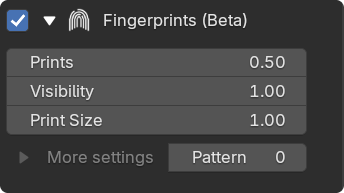
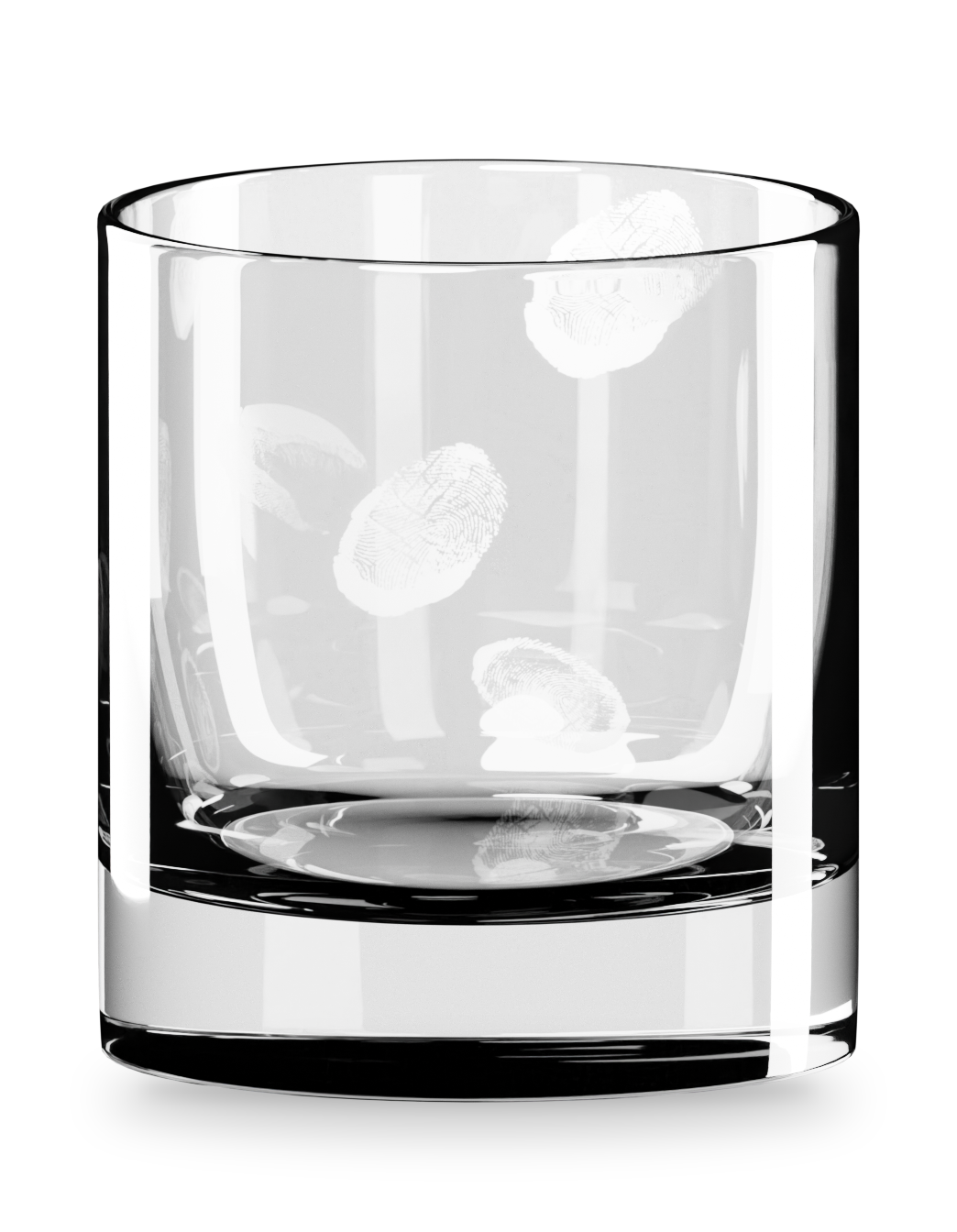
Section titled “Fingerprints”Greasy prints that dull the outer wall. Prints sets how many, Visibility how strong. Bright front reflections can hide them.
Lip Prints
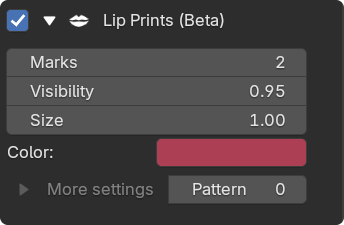
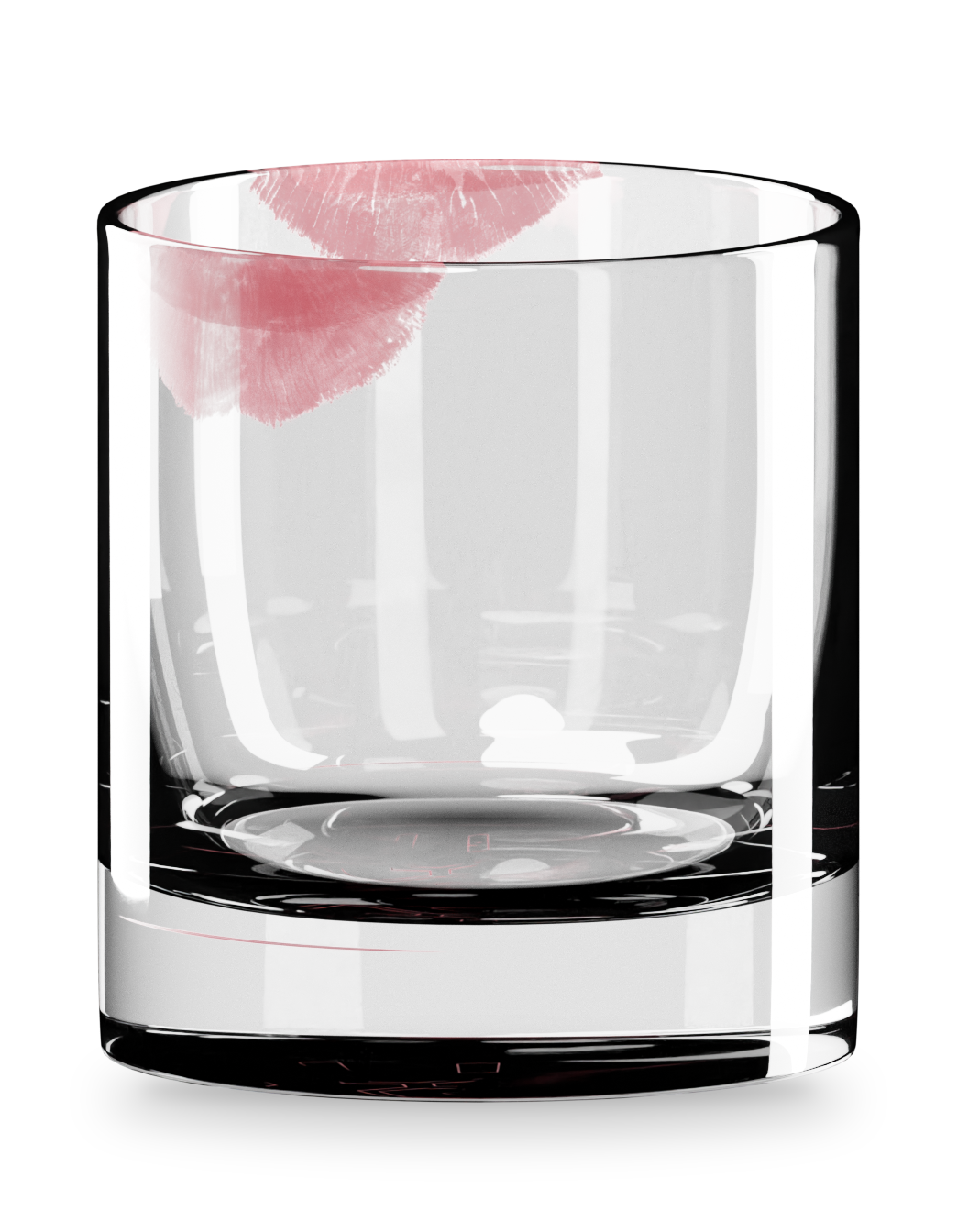
Section titled “Lip Prints”Lipstick marks that wrap over the rim. Gloss goes from matte lipstick to lip gloss. Wear breaks the mark up.
Scratches
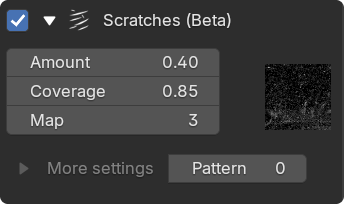
Section titled “Scratches”Fine surface wear with no visible UV seams.
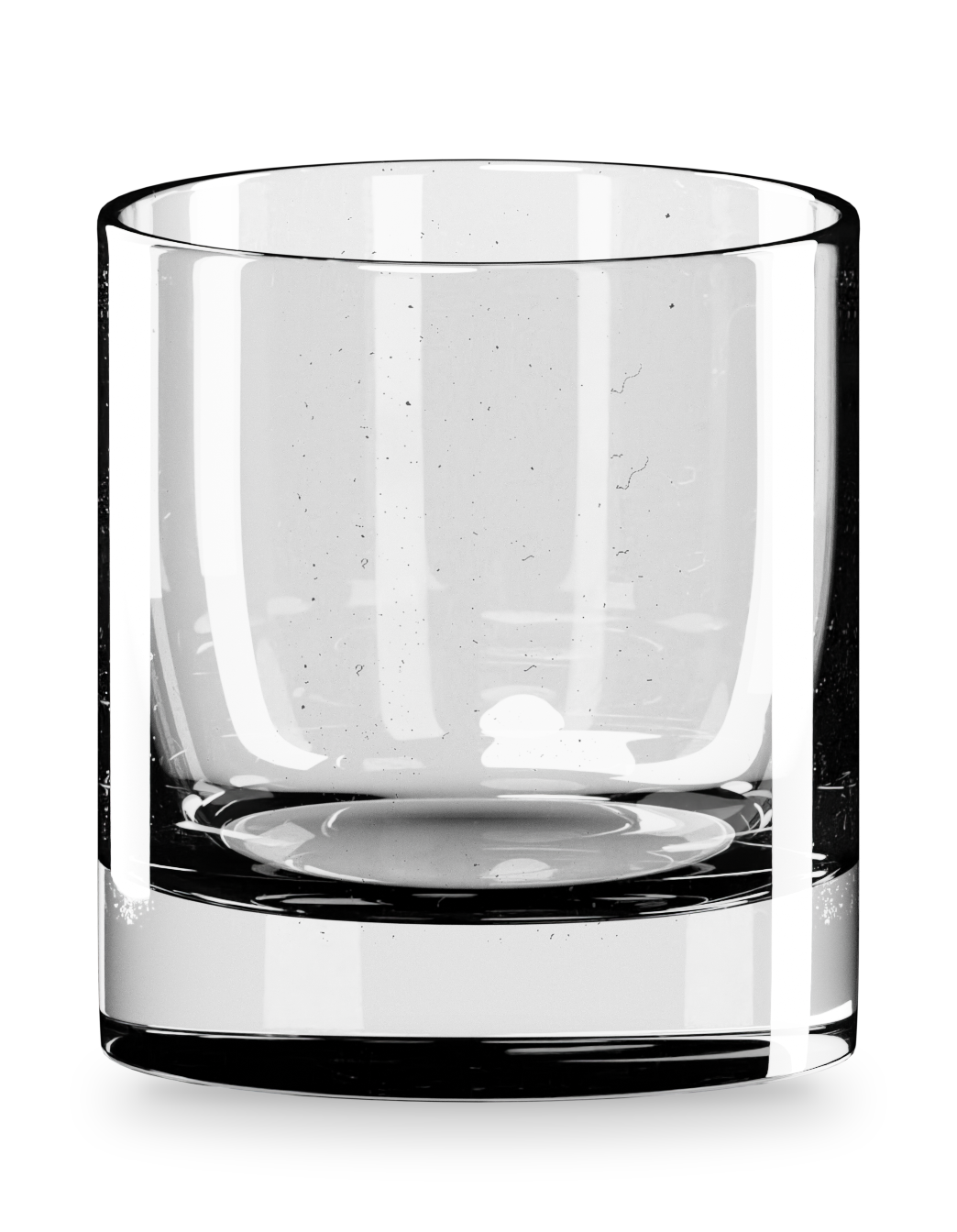
Inspect the scratches
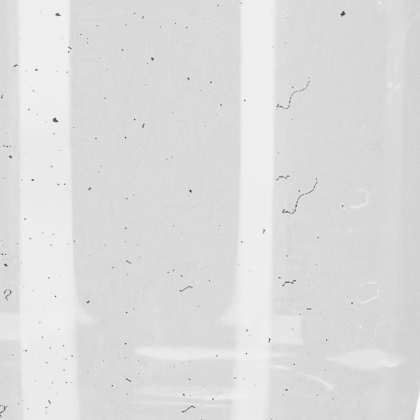
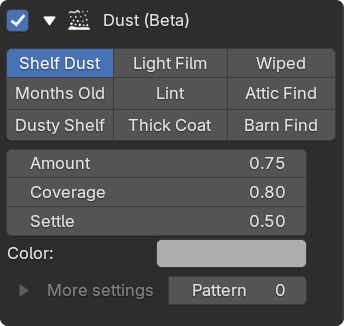
Start from a preset, from Shelf Dust to Barn Find.
Settle gathers dust on surfaces that face up. Inside adds it to the bowl and Wipe leaves clean sweeps. Dust stays level when the glass tilts.
Amount goes to 2 for a heavy coat. Grains and Grain Size under More settings add real grains as geometry.
Damage
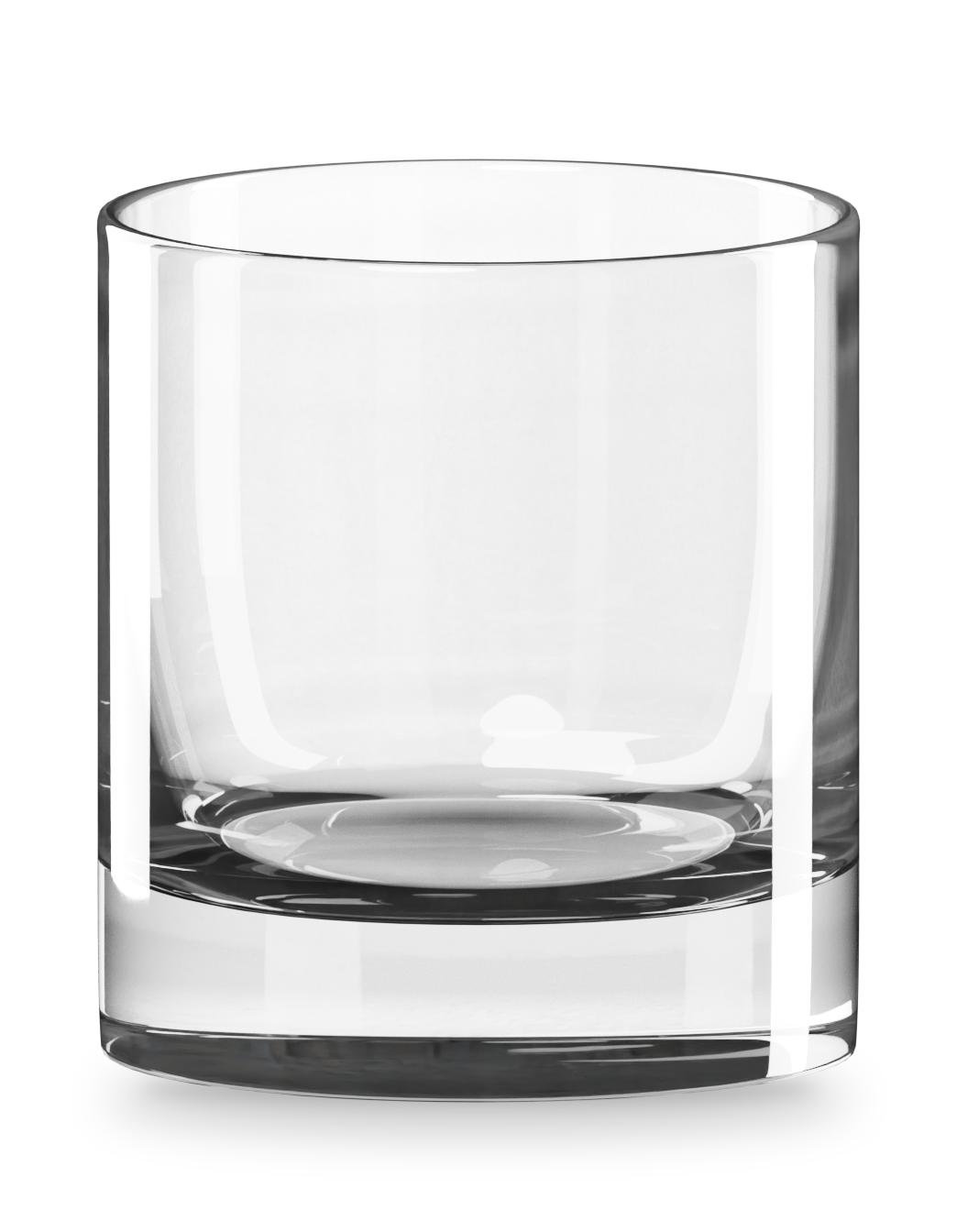
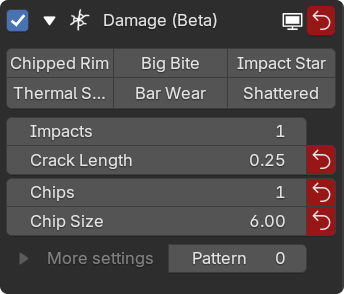
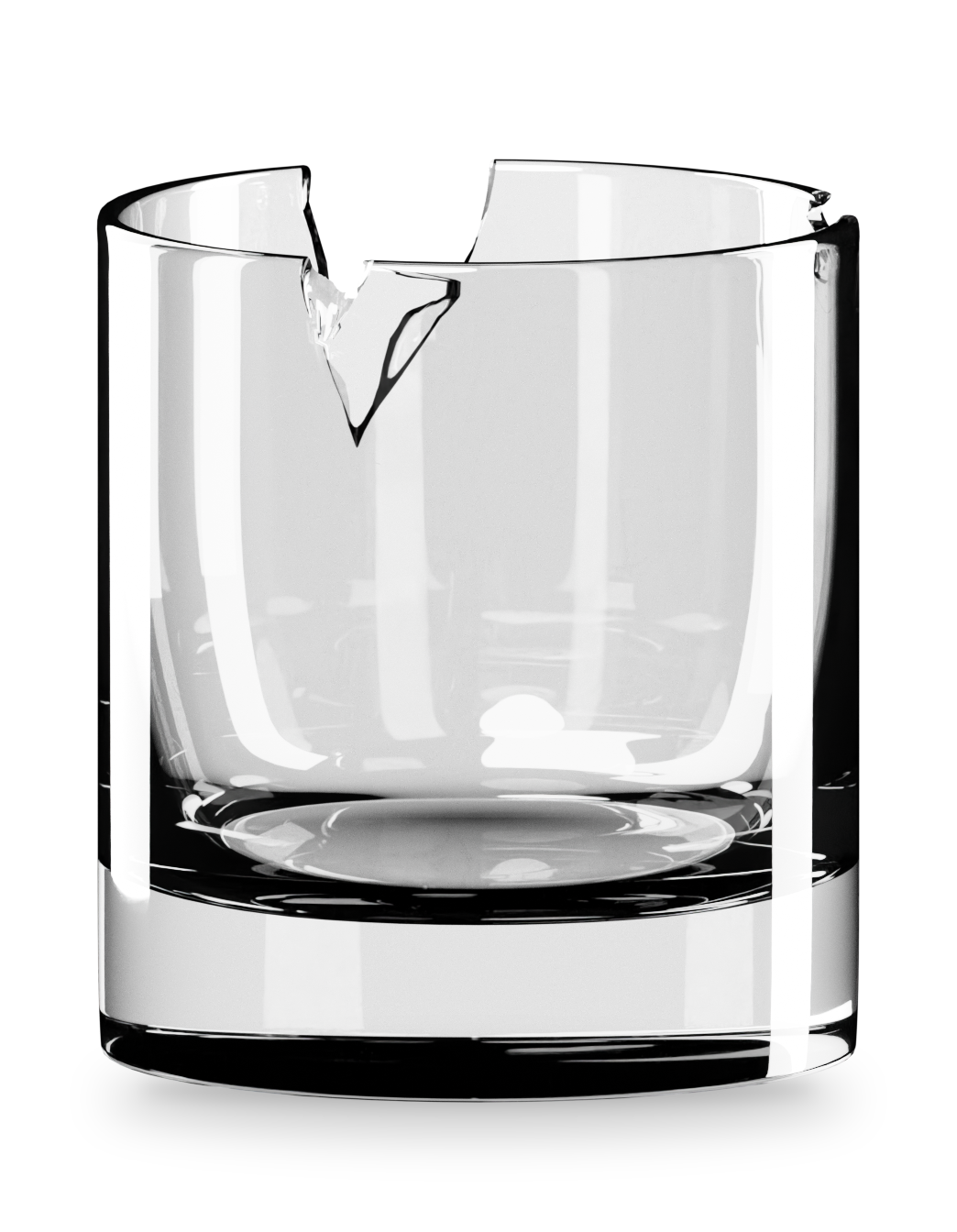
Section titled “Damage”Chips on the rim and cracks running into the wall. Start from a preset: Big Bite takes one large piece, Bar Wear adds small worn edges.
Cracks show as silver lines inside the glass. Chips cut into the mesh.
Iridescence
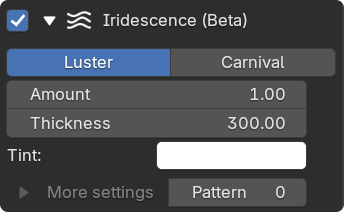
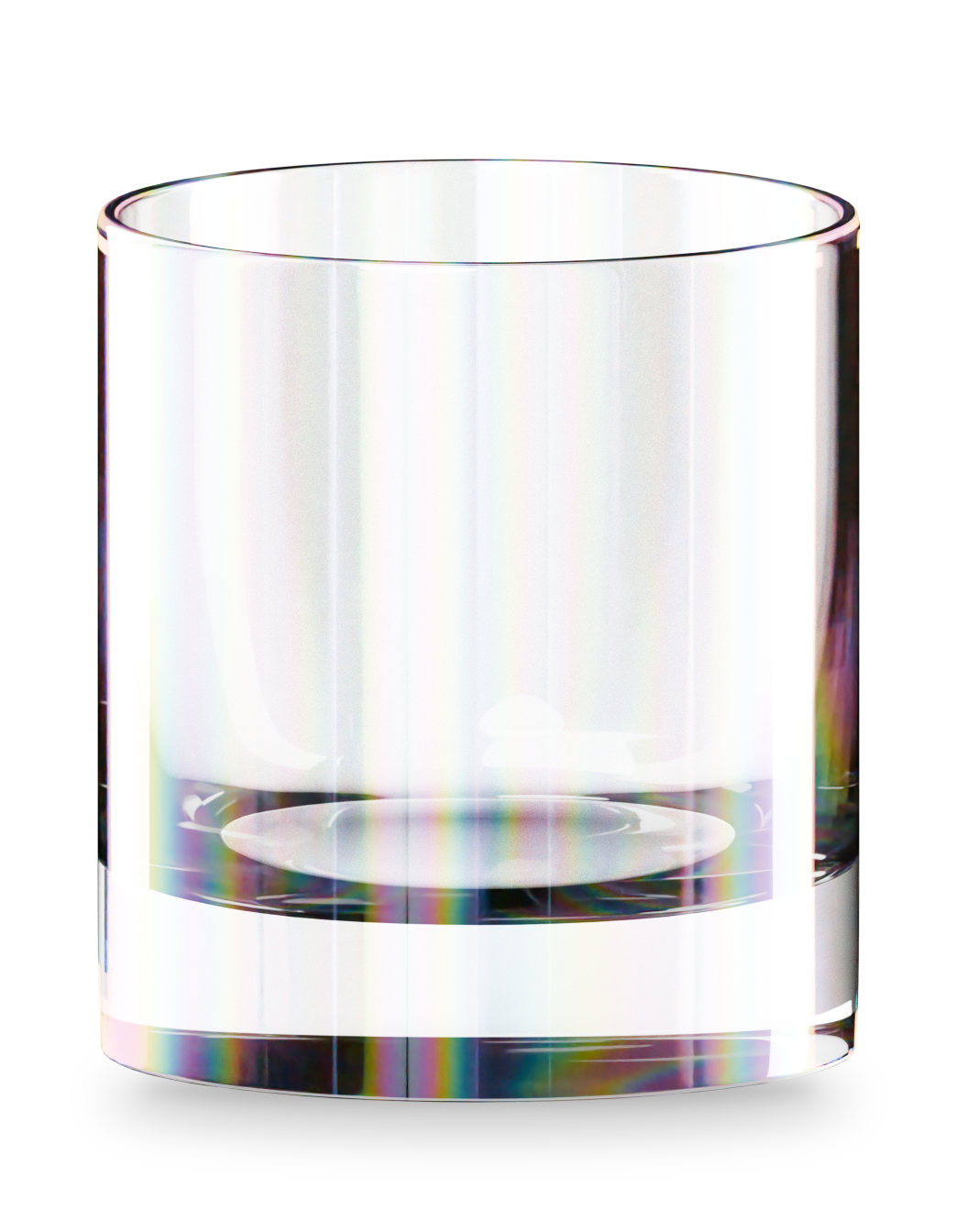
Section titled “Iridescence”Luster gives a thin rainbow sheen, Carnival strong bands of color. Thickness shifts the colors. In Carnival, Layers and Vividness push them further. Swirl breaks up an even coat.
The textures behind fingerprints, scratches and lip prints are derived from packs by ResourceBoy.