Drink effects
Enable effects and adjust their appearance from the Effects tab.
- Tick an effect on Effects to turn it on. Its arrow opens the settings.
- The screen icon hides it in the viewport only.
- Typical marks the effects that suit the selected drink.
- Pattern reshuffles scattered pieces such as bubbles and droplets.
Marks and wear on the glass itself are in Glass effects.
Carbonation
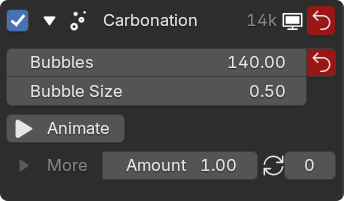
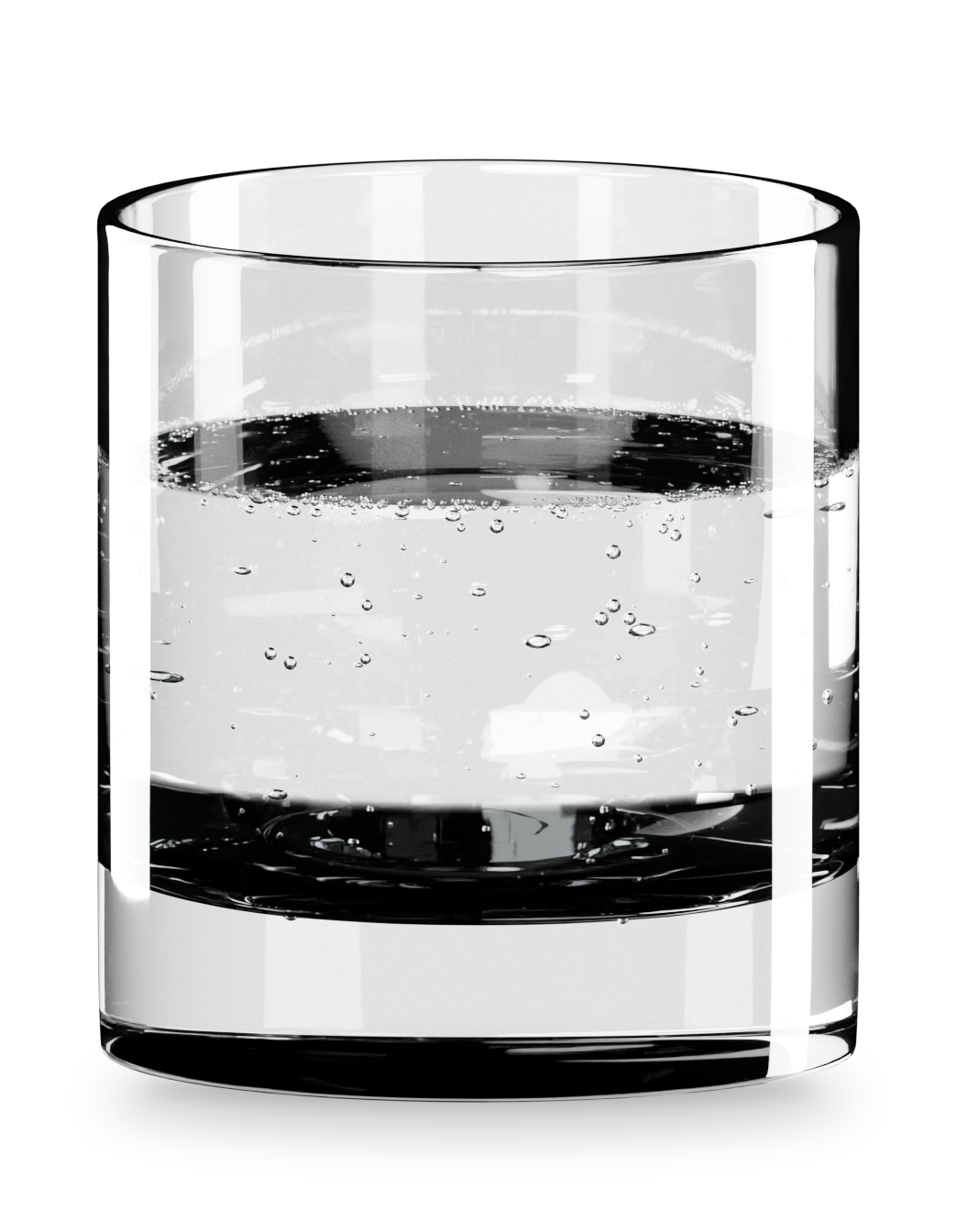
Section titled “Carbonation”Bubbles cling to the wall and collect at the surface. Animate makes them rise, grow and pop. Bigger bubbles rise faster.
Ice Cubes
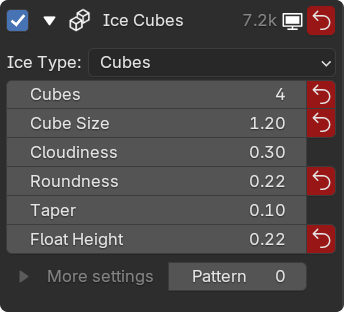
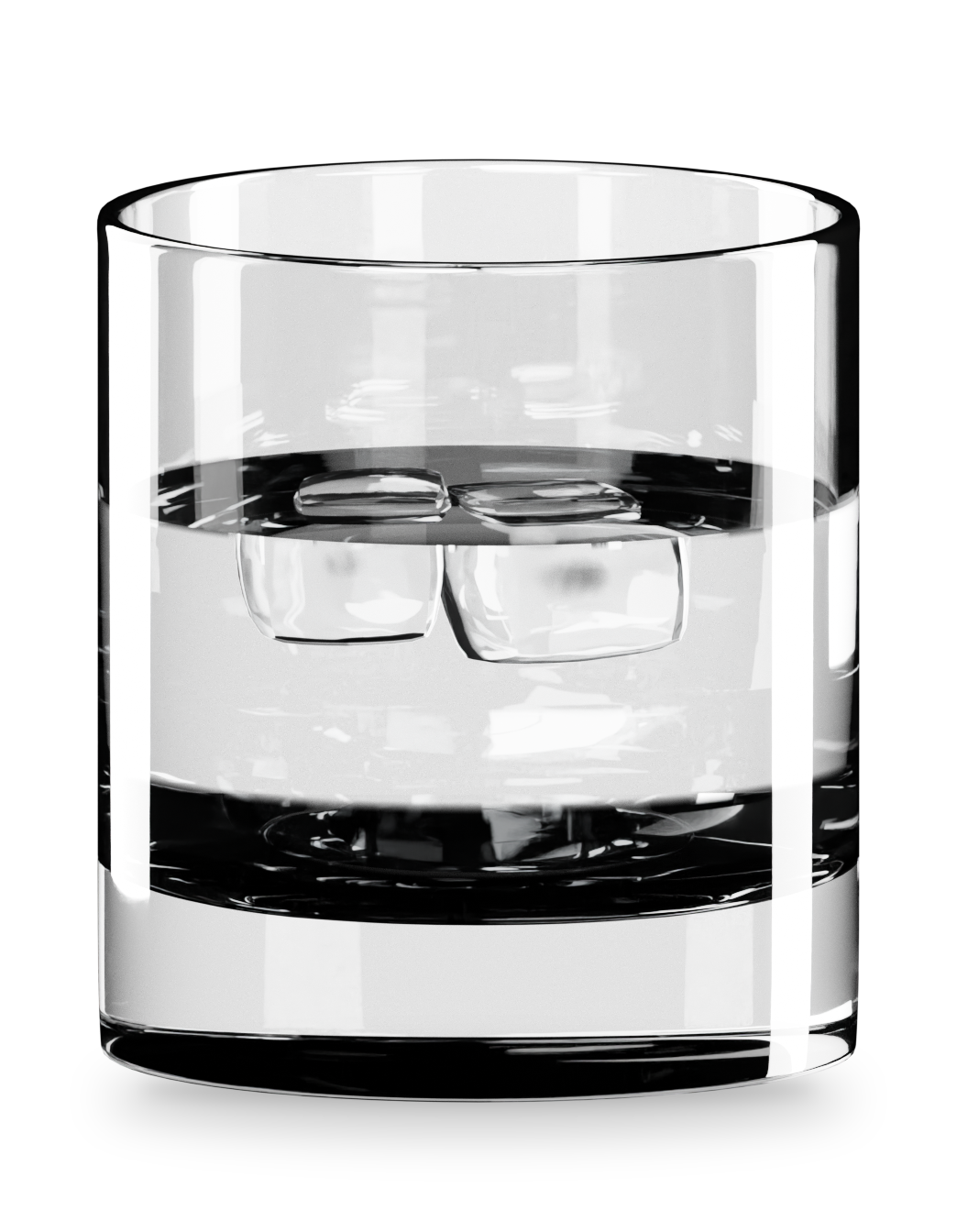
Section titled “Ice Cubes”Ice Type picks tray Cubes, one Large Cube or a Sphere.
Cubes and Cube Size set the serving. Float Height sets how deep the ice sits, Cloudiness its white core and Roundness how melted the edges look.
Condensation
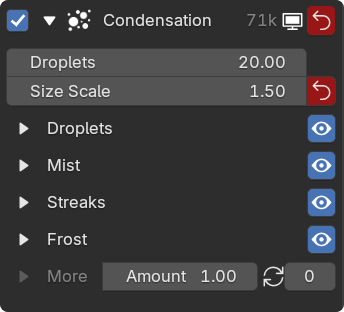
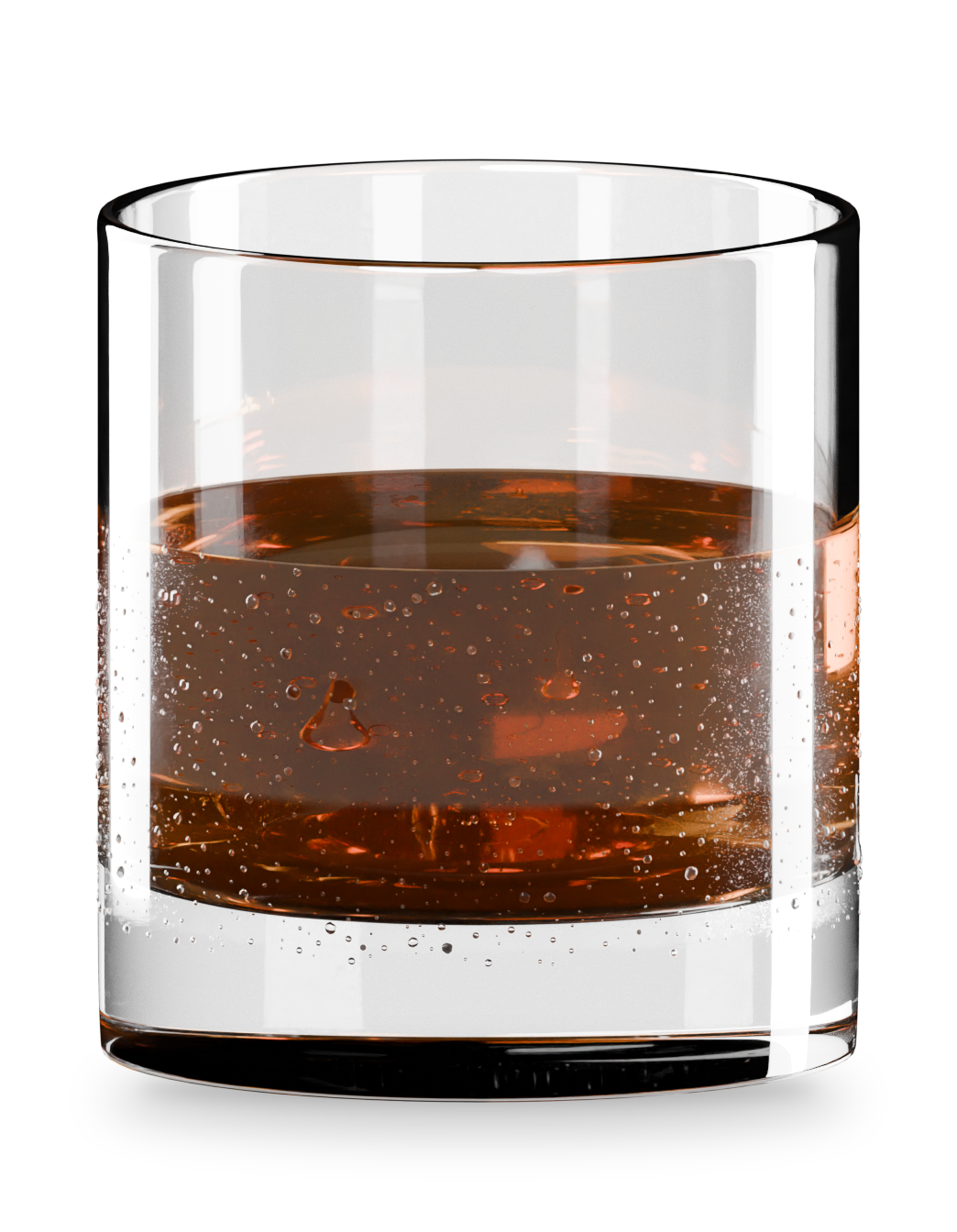
Section titled “Condensation”Droplets on the outside, even on an empty glass. Only Fill Level keeps them below the drink line.
It has four layers: Droplets, Mist, Streaks and Frost. Open one to tune it. Its eye icon hides it.
Salt Rim
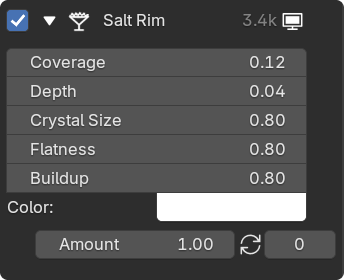
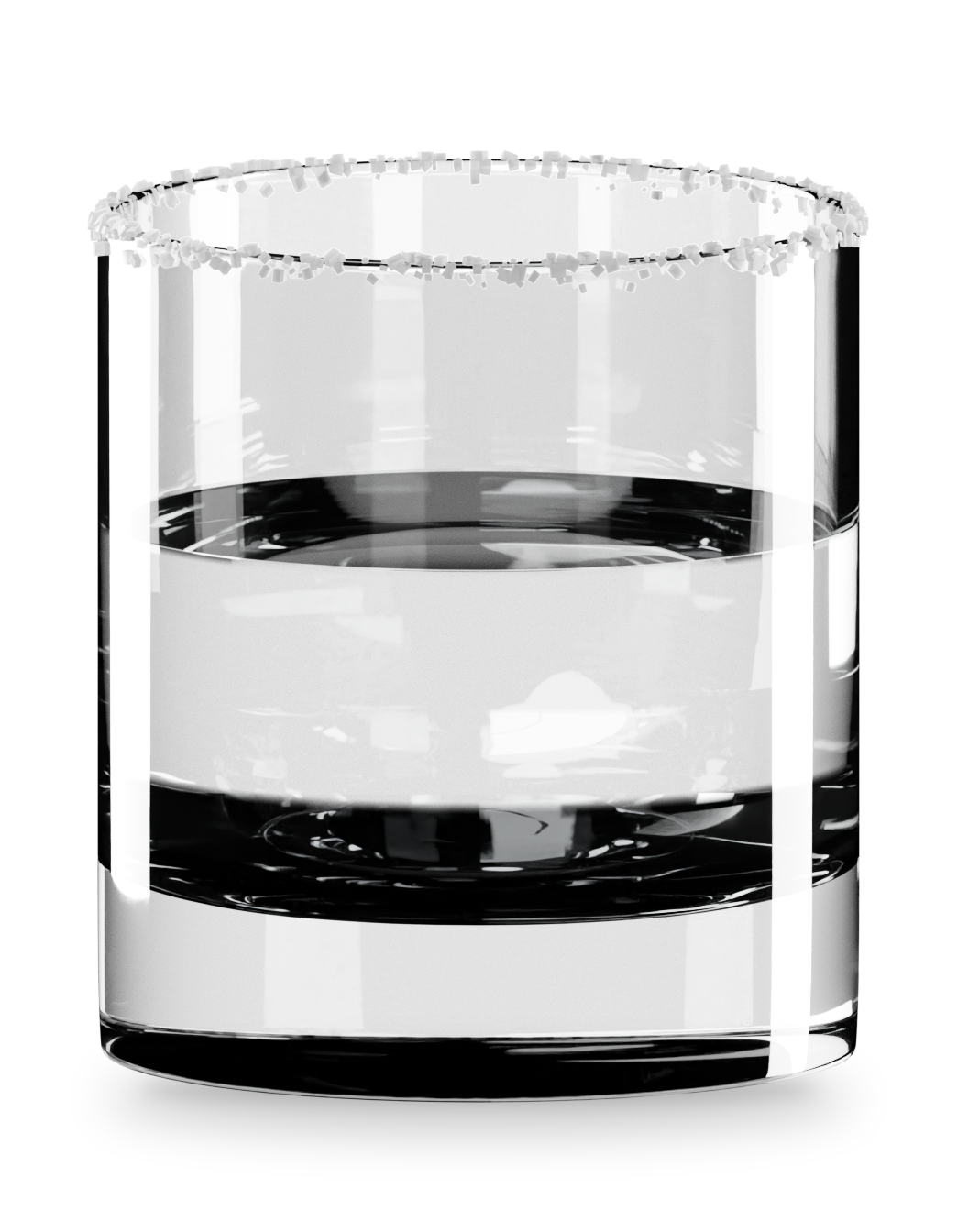
Section titled “Salt Rim”Crystals around the lip. Change Color for a sugar rim.
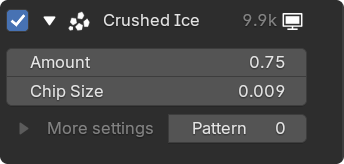
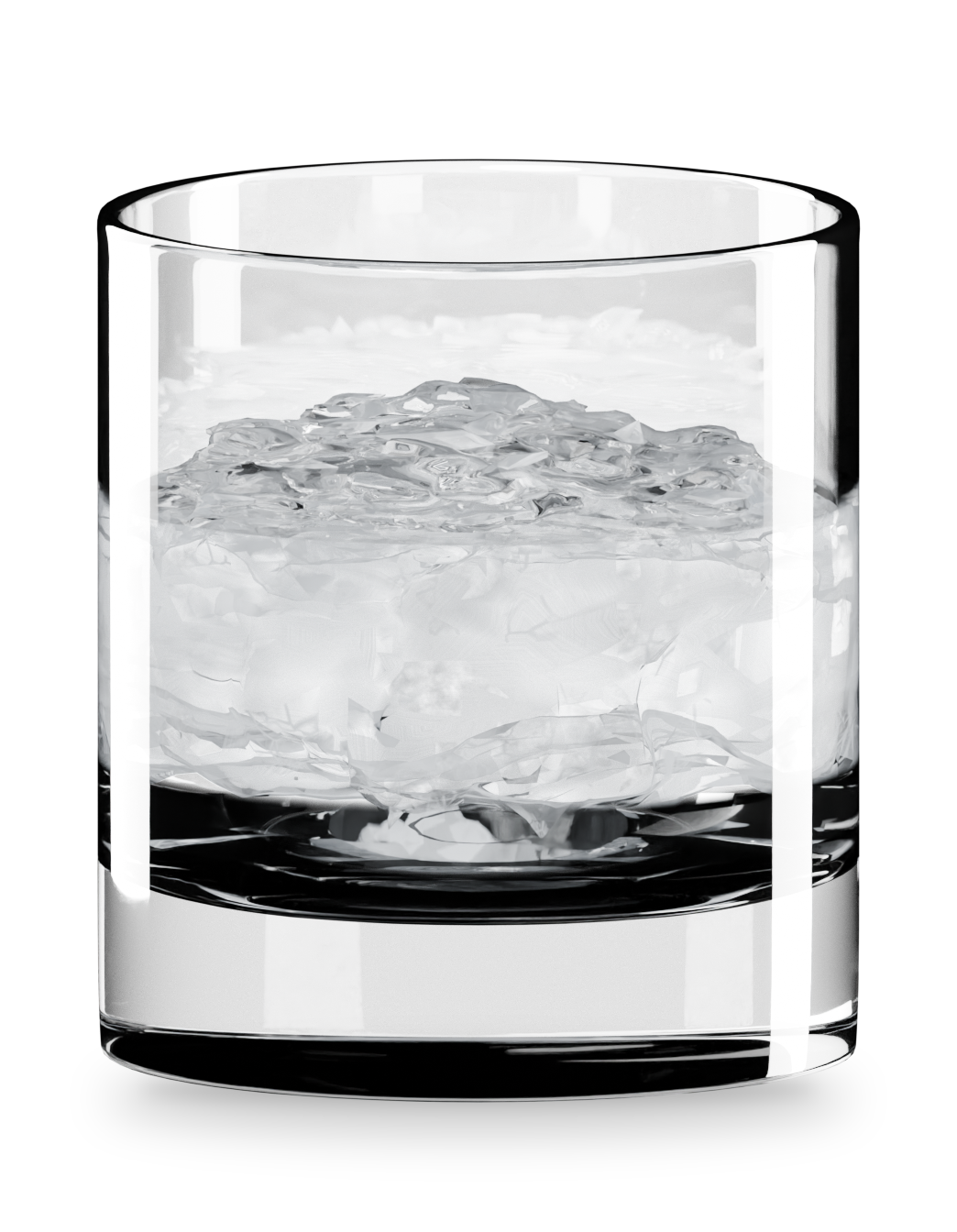
Crushed Ice
Section titled “Crushed Ice”Small ice pieces for cocktails. Start with Amount and Size. More settings shapes the mound, wetness and frost.
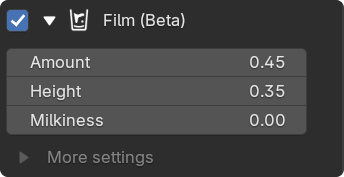
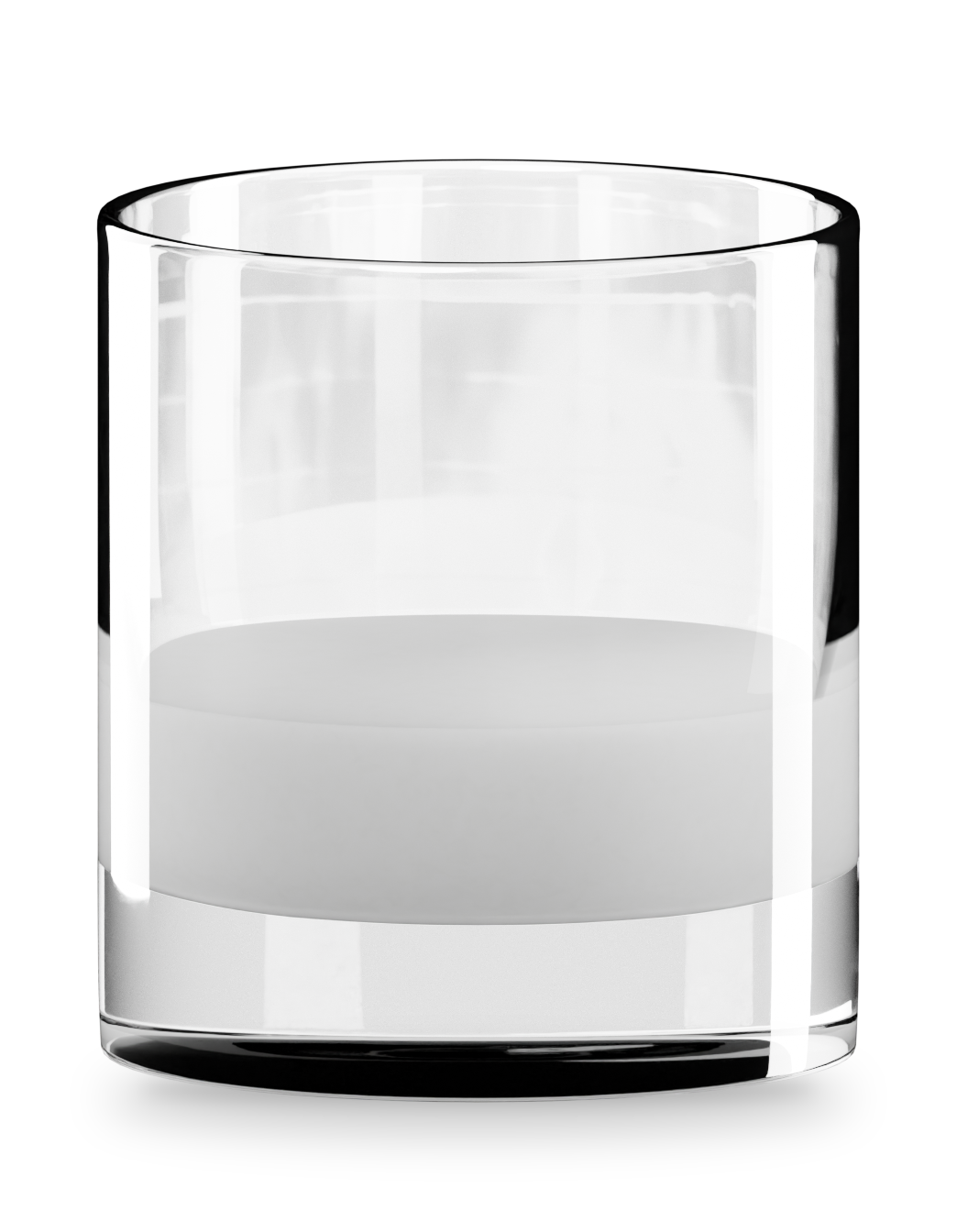
Drink Film
Section titled “Drink Film”Residue left above the drink. Lower Fill, then set Height to the old level. Milkiness gives a creamy coat and Sip Lines leaves rings.
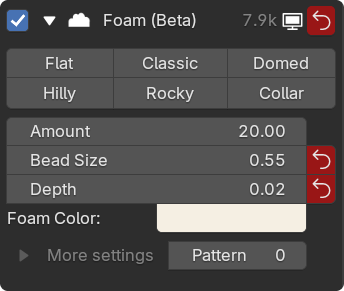
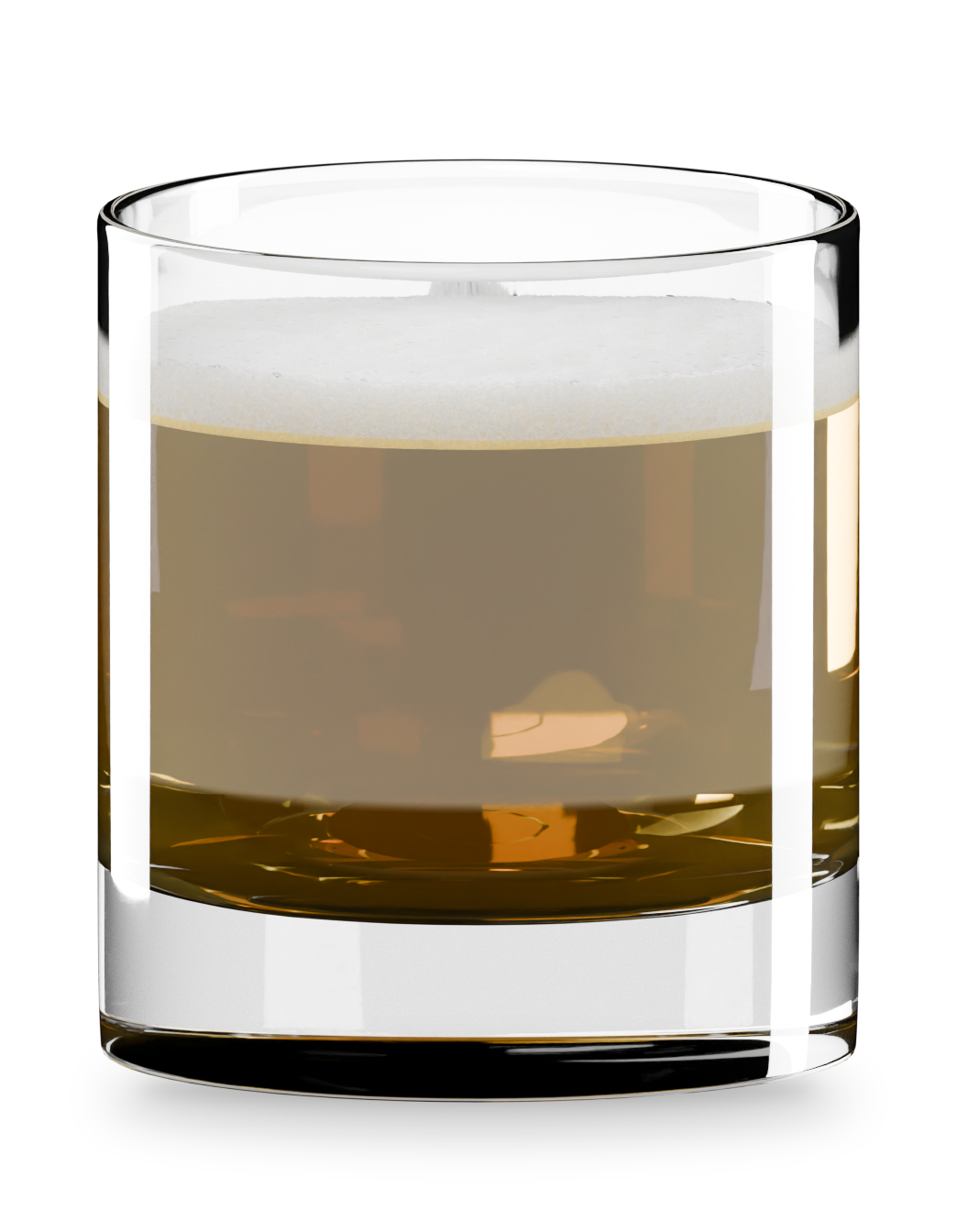
Pick a shape from Flat to Collar. Patchiness breaks the head into islands and Center Clearing opens the middle. Keep clearing at 0 for a full beer head.
Wine Legs
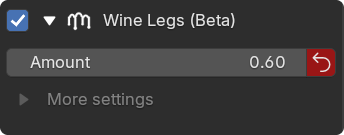
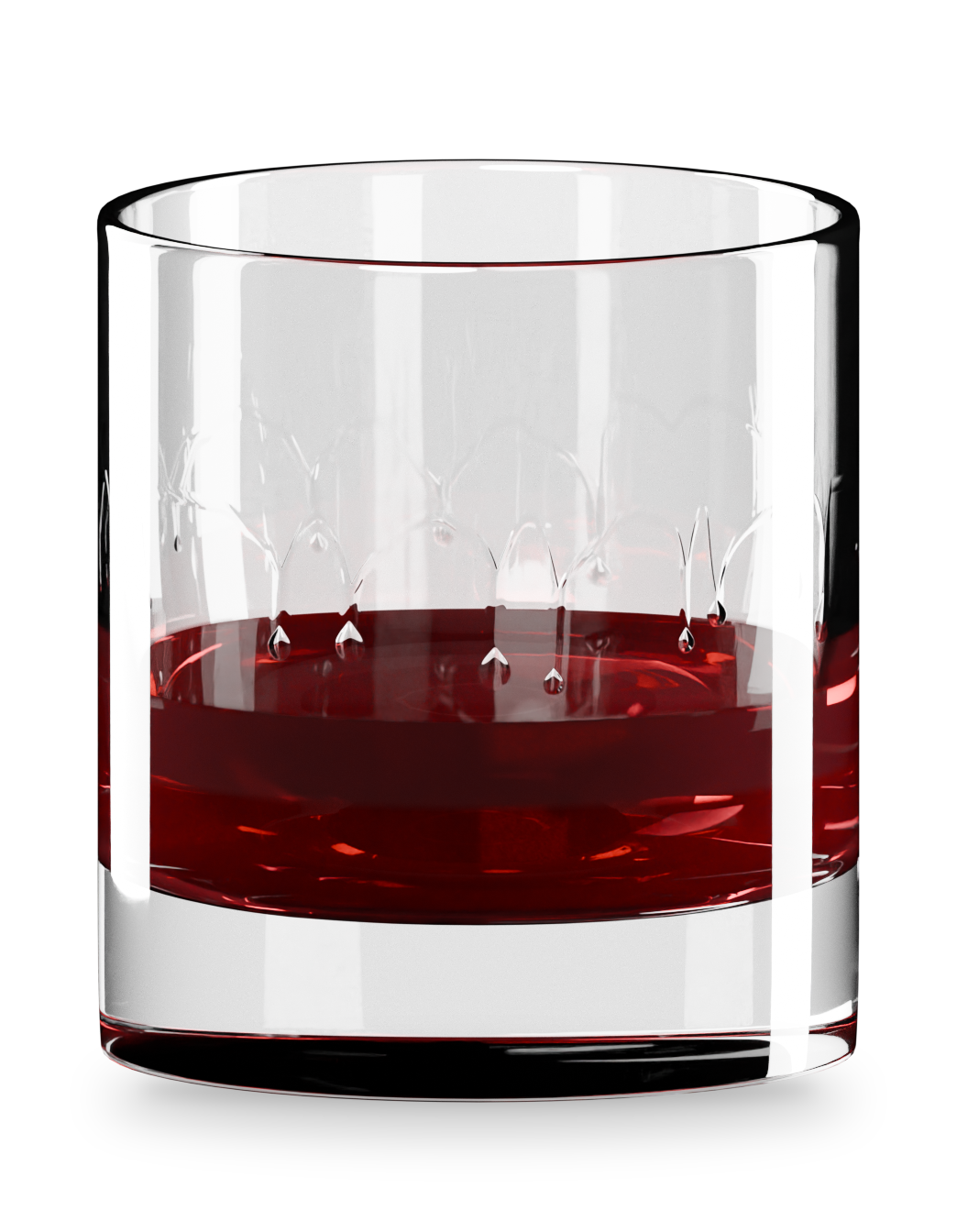
Section titled “Wine Legs”The streaks that run down the inside after a swirl. Needs a poured drink.
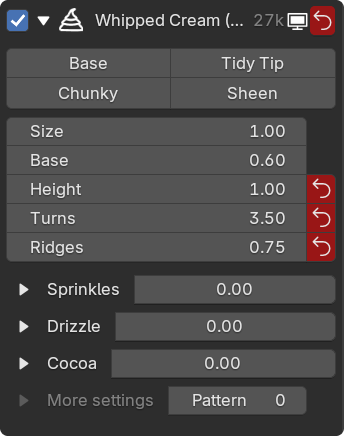
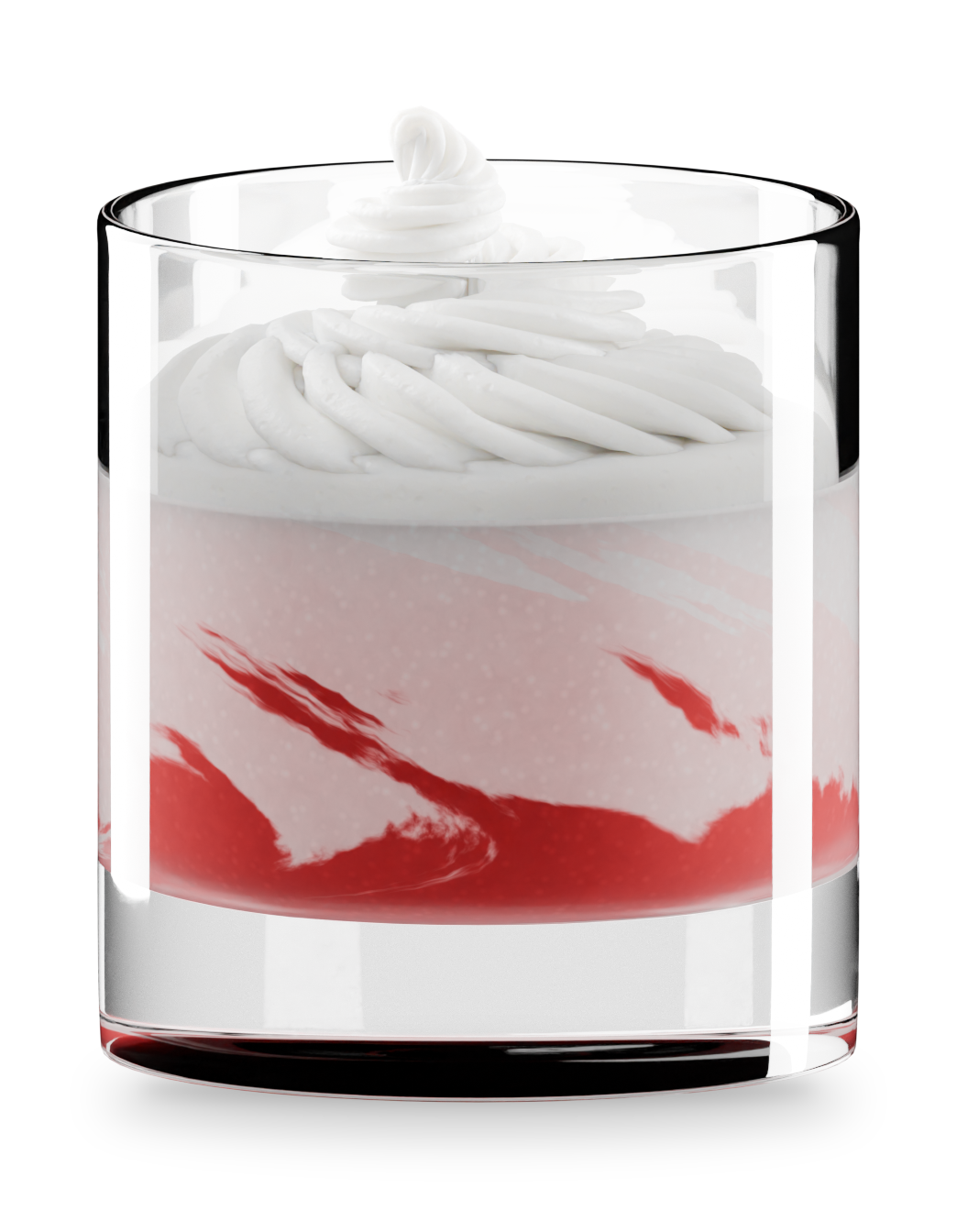
Whipped Cream
Section titled “Whipped Cream”A piped swirl with optional sprinkles, drizzle and cocoa. Beta.
Conflicting effects
Section titled “Conflicting effects”Ice Cubes and Crushed Ice switch each other off so they never overlap. To keep clashing effects together anyway, turn on Gear › Settings › Advanced › Allow Conflicting Effects.
Viewport slow? See Performance.